
NetSuite answers from someone who has actually run it.
Saved searches, workflows, and the unglamorous configuration decisions that decide whether a NetSuite instance helps your company or fights it.
Written for the person who still has the instance on Monday
Not the consultant who configures it and leaves — the administrator who lives with every decision made during the build.
Saved searches
Formulas, summary types, and the searches worth building before somebody asks for them.
Workflows
SuiteFlow patterns that survive real approvers, real subsidiaries, and real people routing around them.
Integrations
EDI, iPaaS, e-commerce, bank feeds — what the sync diagrams never tell you.
“The choices that look efficient during a build are very often the ones the administrator pays for three years later.”
Alexis Rua · NetSuite Certified Administrator
The documentation tells you what a feature does
It rarely tells you what happens when you turn it on in a real company, with real data, and someone in the warehouse who needs it working by Tuesday.
That gap is where I’ve spent my career — and there’s very little written about it.
Latest articles
-

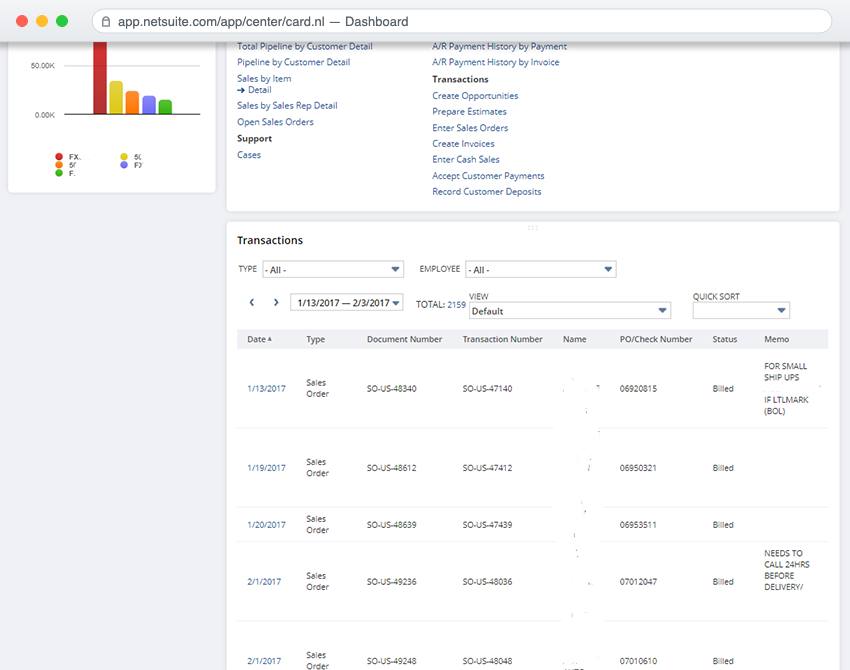
Customer Dashboard
A real-time dashboard for every customer, lead and prospect: KPIs, transactions and reports on one page, without searching record by record.
-
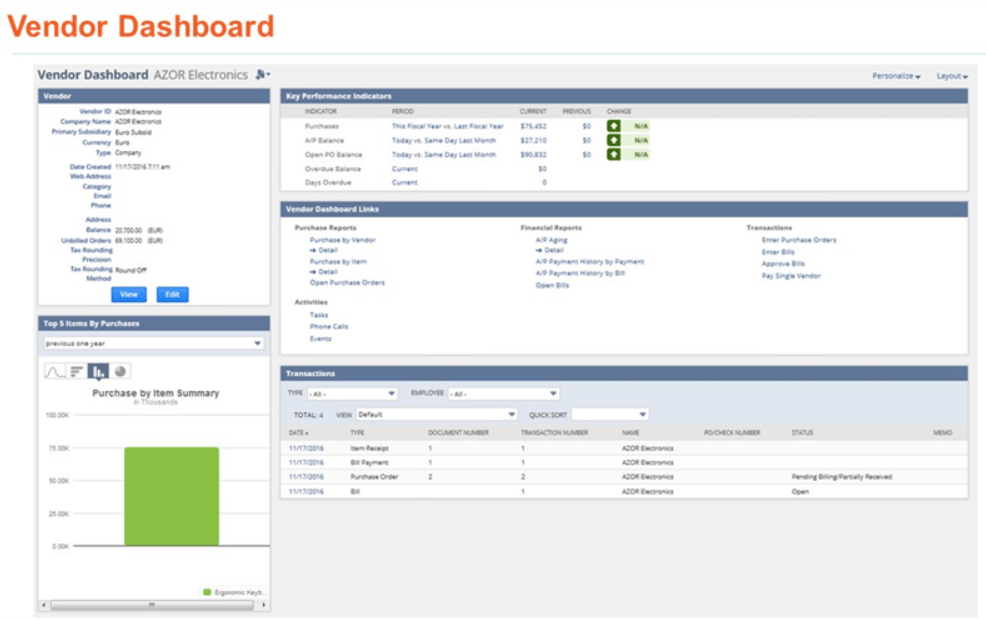
Vendor Dashboard
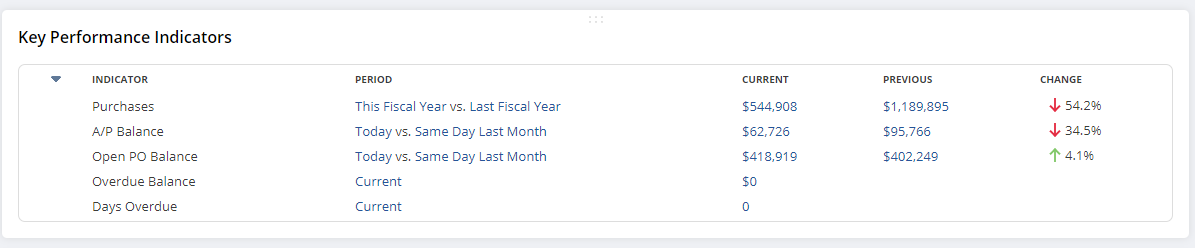
A real-time dashboard for every vendor: KPIs, open transactions and purchase history in one place, for accounting and purchasing teams.
One real problem, one fix, one gotcha
Every week. No news roundups, no release-note regurgitation, no “5 tips.”
Free. Unsubscribe whenever. I don’t share your address with anyone.